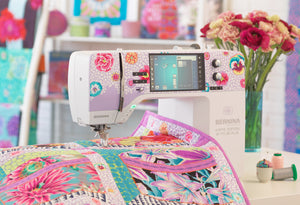
Customize anything you want
- Alter embroidery designs limitlessly
- Special fill effects, change colors, etc.
- New Branching and Weld tools
Alter an embroidery design according to your desires and without limits. The Full Editing feature offers the new Branching and Weld tools. With the Branching tool you don’t have to think about the most efficient stitching sequence and connectors as this function does it for you. Digitizers often want to combine or weld objects into a single object which is easy with the new Weld tool.
Create your unique graphic designs
- With the newest version of CorelDraw
- Choose from many designs
- Afterwards send it to the WiFi Connector
If you wish to start with a new graphic, simply open the newest version of the graphic program CorelDraw SE – and get your own drawings in a breeze. Many new graphics have been added that you can choose from. Once the design is open use the new features to have fun creating, editing and designing your personal embroidery design to prepare for sending it via WiFi connection to your embroidery machine.
Clear interface and improved features
- Intuitive and easy to manage
- Small or large icons for a perfect view
- Open more than one design at a time
All the incredible software features are easy to use and navigate with the user-friendly interface. The menu is intuitive and easy to manage. You have the choice between small or large icons for a perfect view and the tool names and functions can be displayed if desired. Open more than one design at a time and easily switch between designs.
Clear interface and improved features
- Intuitive and easy to manage
- Small or large icons for a perfect view
- Open more than one design at a time
All the incredible software features are easy to use and navigate with the user-friendly interface. The menu is intuitive and easy to manage. You have the choice between small or large icons for a perfect view and the tool names and functions can be displayed if desired. Open more than one design at a time and easily switch between designs.
Clear interface and improved features
- Intuitive and easy to manage
- Small or large icons for a perfect view
- Open more than one design at a time
All the incredible software features are easy to use and navigate with the user-friendly interface. The menu is intuitive and easy to manage. You have the choice between small or large icons for a perfect view and the tool names and functions can be displayed if desired. Open more than one design at a time and easily switch between designs.